
Partners & Integrations
INtegration

Agentic Integration for Mattermost

Deploy an AI micro-agent that coordinates incident response inside your self-hosted Mattermost deployment. Blink connects agentic security automation to Mattermost so security teams in regulated and air-gapped environments get agent-driven incident coordination, without data leaving their controlled environment.

Agentify Mattermost with Blink

Blink supports 16 out-of-the-box actions plus a custom action for Mattermost. These actions power both an AI micro-agent and deterministic workflows.

Mattermost is an open-source, self-hostable messaging platform built for mission-critical collaboration, with full data sovereignty and air-gapped deployment support. Most SOAR and automation tooling assumes cloud APIs and breaks in on-prem or sovereign environments. Blink connects to the Mattermost REST API and runs inside the same controlled environment, so the collaboration layer becomes an inherent part of incident response instead of a manual copy-paste step.

The micro-agent handles the work that requires judgment: deciding who to notify, when to escalate, and what a human needs to approve. Deterministic workflows handle the structured, repeatable tasks: posting notifications, creating channels, provisioning users, and archiving threads.
View the Docs

The Incident Coordination Agent

Build an AI micro-agent that uses Mattermost as its incident coordination interface. Start from an agent template or build your own in the Agent Builder. Every ability below maps to a real Mattermost action in the integration.

Note on triggers: The integration does not begin in Mattermost. The agent is triggered by upstream security sources (SIEM, cloud, identity, EDR) and uses Mattermost as the coordination layer, not as the detection source.

Incident Coordination Agent

Abilities (Cyera actions used):
Look up the correct destination channel and resolve responders (Get Channel By Name, Get Channel Info, Get User By Email, Get User By ID, List Users)
Post enriched alert details to the incident channel and update the post as new context arrives (Create Post In Channel, Update Post)
Open a direct message to an on-call responder when an alert needs individual attention (Create Direct Channel)
Create a dedicated incident channel scoped to the affected team and add the response team when an incident crosses a severity threshold (Create Channel, Get Team Info, Add Users To Channel)
Pull recent channel history to assemble situational context for responders (List Channel Posts, Get Public Channels By Team, List Private Channels)
Post an approval request before a sensitive downstream action runs, wait for a human decision, and update or remove the request post once the decision is recorded (Create Post In Channel, Update Post, Delete Post)

Role:

Runs incident coordination in Mattermost end to end. Routes the alert, stands up the incident channel when severity warrants, gathers context, and gates sensitive actions on human approval.

Constraints:

Posts and creates channels only within policy-approved scopes. Creates channels only for confirmed incidents above a defined severity threshold. Does not delete channels or remove users. Never executes a gated action itself. The downstream action runs only after explicit human approval is captured. Escalation paths are defined by policy, not improvised by the agent.

Automated Workflows for
Mattermost

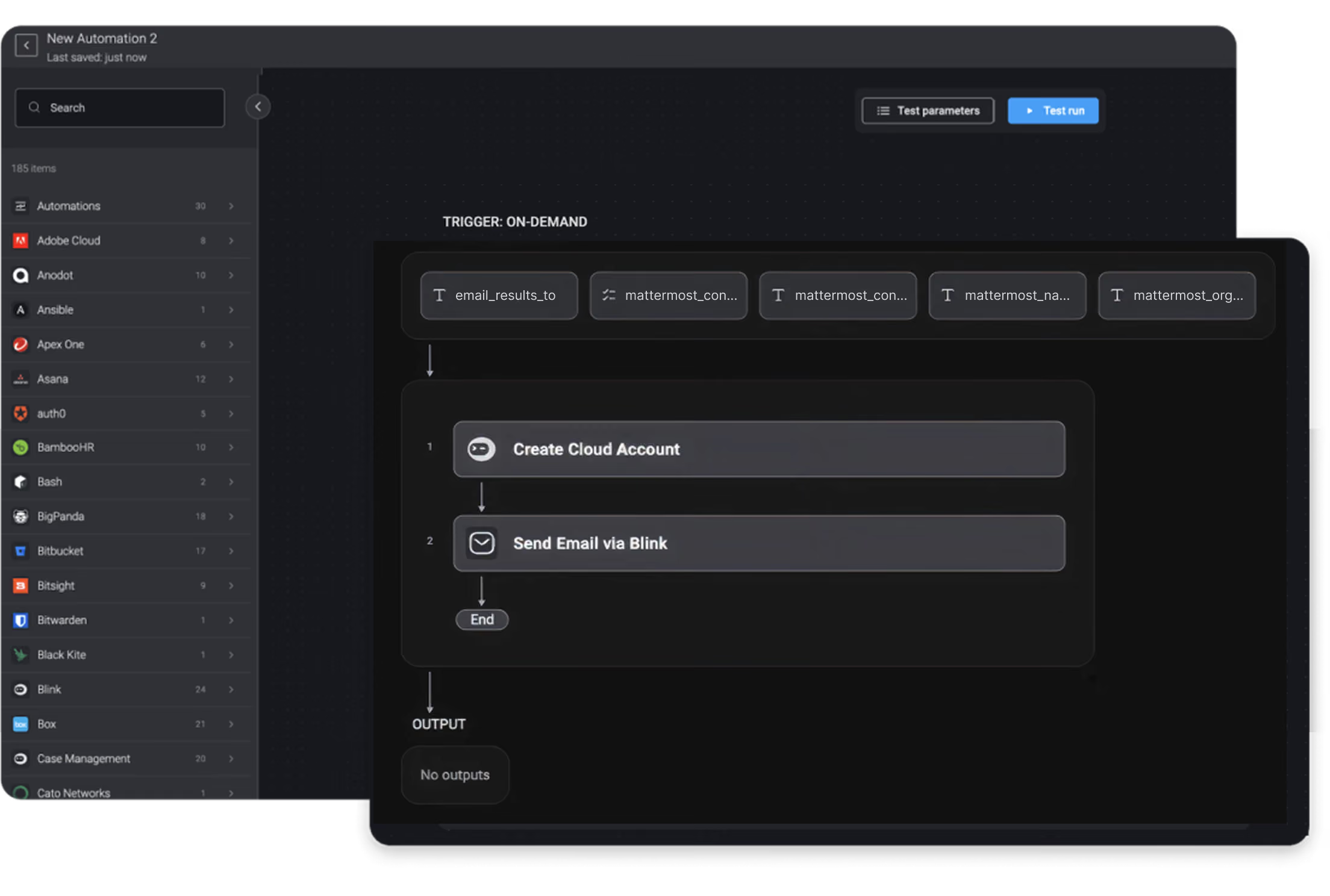
For structured, repeatable tasks that need to run the same way every time. These workflows use Mattermost actions as deterministic building blocks, with no reasoning step required.

Available
Actions

Blink supports the following actions for Mattermost:

Channels

  • Create Channel
  • Create Direct Channel
  • Get Channel By Name
  • Get Channel Info
  • Get Public Channels By Team
  • List Private Channels
  • Add Users To Channel

Teams

  • Get Team Info
  • List All Teams

Posts

  • Create Post In Channel
  • List Channel Posts
  • Update Post
  • Delete Post

Custom

  • Mattermost Custom Action

Users

  • Get User By Email
  • Get User By ID
  • List Users

Connect to anything

Blink offers thousands of pre-built integrations across leading security vendors so you can start automating instantly.

Explore Integrations
Blink integrations - logos in a grid