


Security Workflow Integration for Microsoft Teams
With Blink, you can trigger automated workflows to create and enrich tickets, manage projects, and send notifications to team members over chat or email.
Running Microsoft Teams Workflows with Blink Automation
Blink supports 18 out-of-the-box actions for Microsoft Teams so it’s easy to escalate notifications, ask for approvals, and confirm suspicious activity.
Microsoft Teams is a popular messaging platform that enables organizations to communicate quickly and share out information to groups and channels. With Blink, you can incorporate Teams messages in workflows for use cases like compliance, incident response, IT security, and many more.
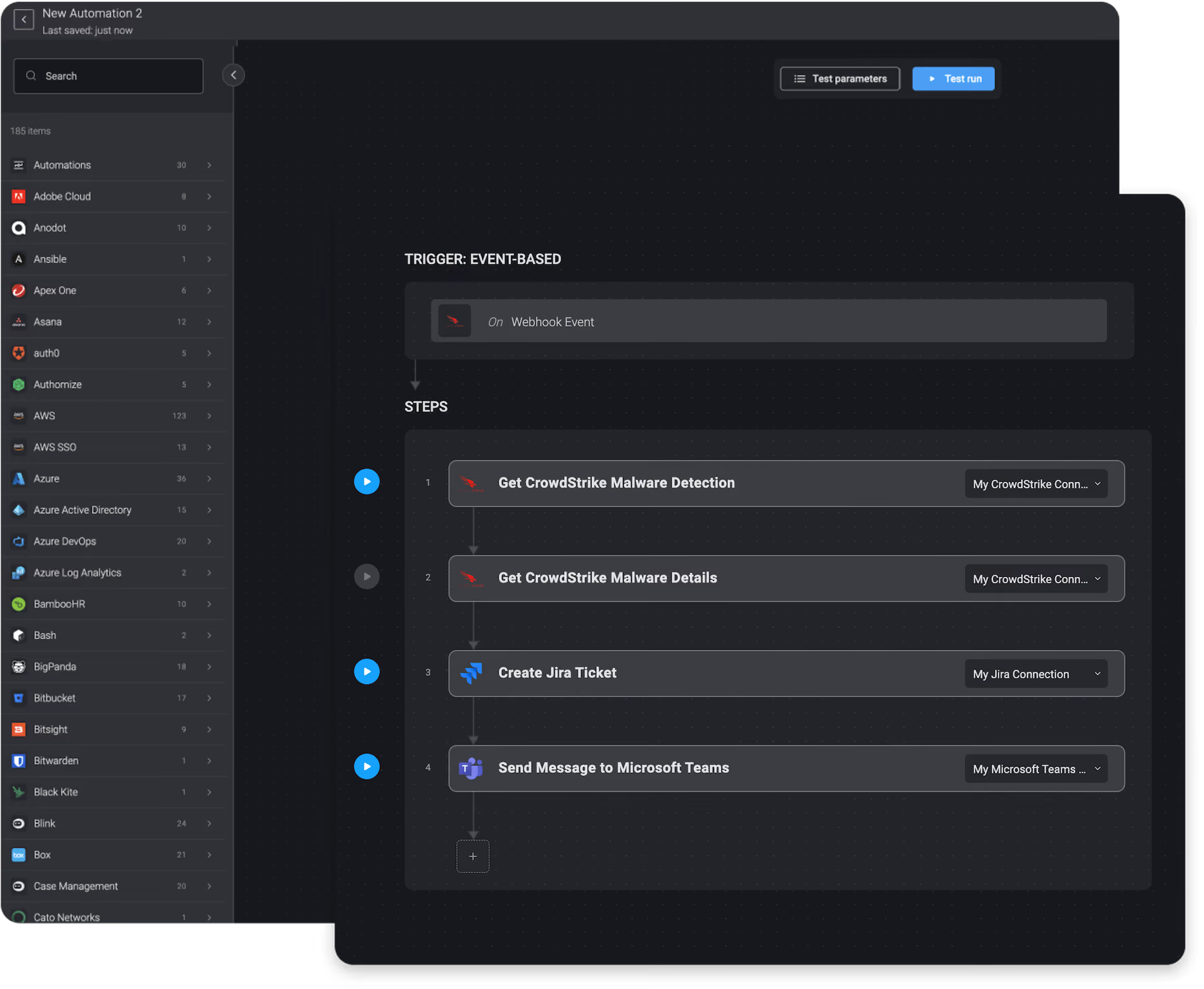
For structured, repeatable tasks that need to run the same way every time, Blink offers deterministic workflows built on the same Microsoft Teams actions. No reasoning required, just reliable execution on a defined path. In the Blink library, we have compiled 8,000 automations that customers can download and run instantly. These automations include workflows for cloud security, compliance, identity & access management, network security, SOC & incident response, and threat hunting.
Ticketing & Messaging


List Team Members with Microsoft Teams and Send Results via Email
List Channel Messages with Microsoft Teams and Send Results via Email
Create Chat with Microsoft Teams and Send Results via Email
Add Team Member with Microsoft Teams and Send Results via Email
Suspend Azure Active Directory Account by Email and Notify Via Teams
On Confidential Email Alert of Forcepoint DLP, Ask User for Reason and Request Approval via Teams


