Cloud Audit Logs: How to Automate Monitoring and Response Across AWS, Azure, and GCP
Automate cloud audit log monitoring, triage, and response across AWS CloudTrail, Azure Activity Logs, and Google Cloud Audit Logs with human approval.


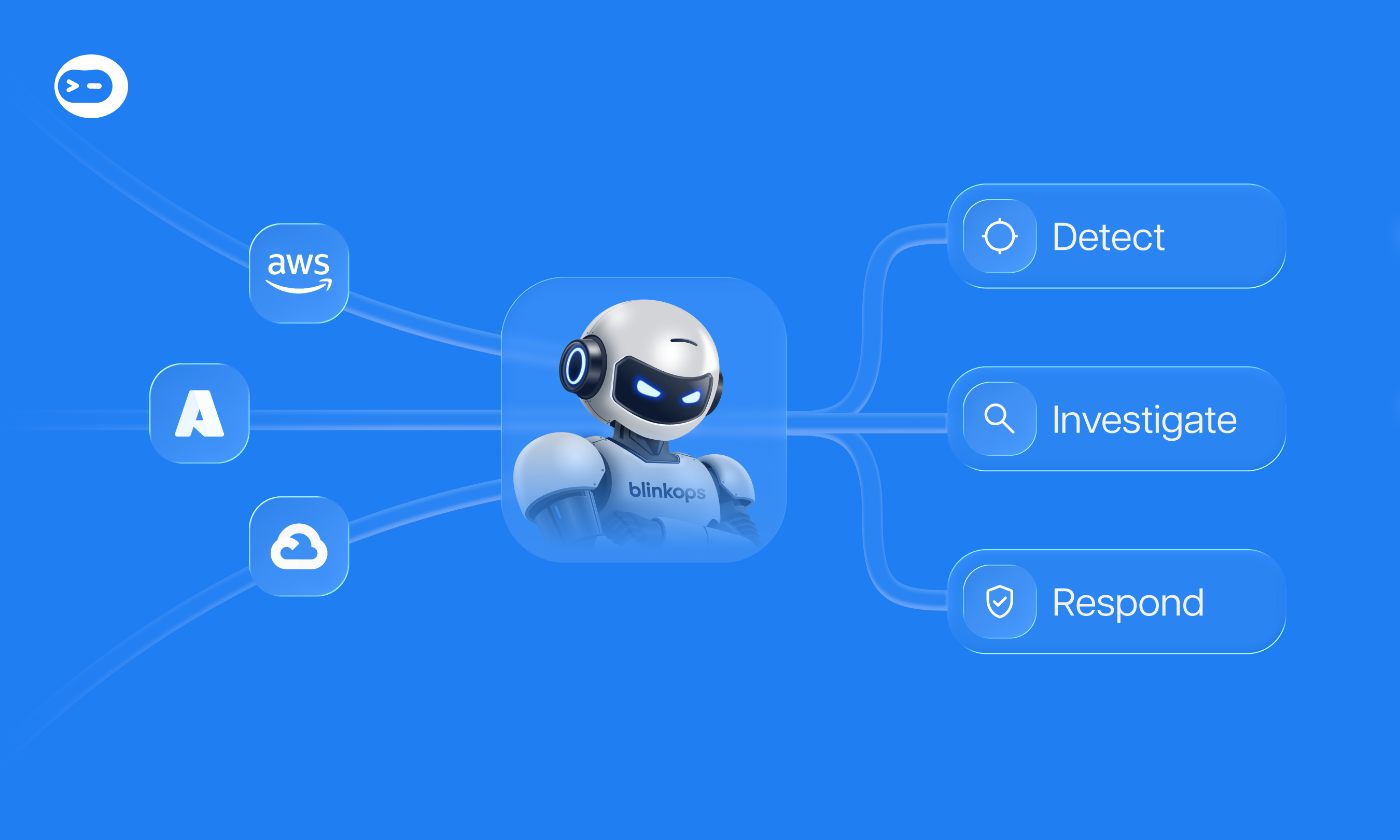
Cloud audit logs are the control-plane record of who did what, to which resource, when, and from where. In AWS, Azure, and Google Cloud, that record comes from AWS CloudTrail, the Azure Activity Log, and Google Cloud Audit Logs. They reduce risk only when monitoring flows into investigation and governed response.
If one of your developers has their account compromised, you need to check what they did in your Azure account and resources, and whether they took access keys or secrets. That identity may also touch AWS and Google Cloud. This guide follows that scenario through detection, investigation, and response.
What Are Cloud Audit Logs?
Cloud audit logs are provider-generated records of management actions, such as changing a role or disabling a trail. Each provider’s defaults decide what evidence survives until an incident starts. The table reflects provider documentation as of October 2026.
AWS’s CloudTrail event history documentation notes that each search covers one account and one Region. AWS’s CloudTrail concepts guide covers event types and defaults. Google Cloud’s Cloud Audit Logs overview and Cloud Logging quotas page document log types and bucket retention.
What’s the Difference Between Azure Activity Logs and Microsoft Entra Audit Logs?
Azure Activity Logs record control-plane operations on resources in a subscription, while Microsoft Entra audit logs record identity changes in your tenant. A compromised-user investigation needs both.
According to Microsoft Learn’s Azure Monitor activity log documentation, Azure Monitor collects activity log entries by default and retains them for 90 days. To keep events longer, create a diagnostic setting that sends them to a Log Analytics workspace, Azure Event Hubs, or Azure Storage.
Microsoft Learn’s activity log schema page lists eight categories: Administrative, Service Health, Resource Health, Alert, Autoscale, Recommendation, Security, and Policy. Role-based access control changes land in Administrative, while Security carries Microsoft Defender for Cloud alerts. Reads and data-plane access need resource logs, which require a diagnostic setting.
Microsoft Learn’s overview of Entra audit logs says they capture changes to applications, groups, users, and licenses. Sign-in and provisioning logs complete the Entra family. For collection during an investigation, Invictus Incident Response’s open-source Microsoft Extractor Suite gathers Azure Activity Logs and Entra audit and sign-in logs.
Which Cloud Audit Log Events Matter Most for Security?
The highest-priority cloud audit log events are those that hide activity, expand access, or expose credential misuse. Datadog Security Labs’ Cloud Security Atlas shows how attackers stop a CloudTrail trail and how defenders detect it, which is why logging changes top this list.
- Changes that disable or modify logging, such as the AWS events
StopLogging,DeleteTrail,UpdateTrail, andPutEventSelectors. - Identity and permission changes, such as Azure role assignments under Administrative and IAM policy changes in AWS or Google Cloud.
- Credential activity, such as unusual
ConsoleLoginevents or access key creation for a user already under suspicion. - Repeated
AccessDeniederrors in CloudTrail or Policy Denied entries in Google Cloud, which can signal permission probing. - Data Access events in Google Cloud, which stay off by default except for BigQuery.
The AWS threat technique catalog reproduces MITRE ATT&CK technique T1562.008, which describes adversaries disabling or modifying cloud logs to avoid detection. For a working query, see this guide to querying CloudTrail AccessDenied events.
Verizon’s 2026 Data Breach Investigations Report shows credential abuse fell to 13% of initial access vectors, behind vulnerability exploitation (31%) and phishing (16%). Counted at any stage of a breach, credential abuse still ranks first at 39%. That figure covers all environments and isn’t cloud-specific.
Why Manual Audit-Log Review Breaks Down
Manual audit-log review breaks down because the evidence is time-limited, delayed, and scattered across consoles, Regions, and tenants. Azure deletes Activity Log events after 90 days, and CloudTrail event history searches one Region at a time. Microsoft Learn notes Azure entries usually arrive within 3 to 20 minutes, so an early query can miss them.
Investigations outlast those windows. According to IBM’s Cost of a Data Breach Report 2026, the mean time to identify and contain a breach rose to 247 days across 602 organizations, reversing a five-year decline. Breaches that began with abused valid accounts took 243 days and cost USD 5.07 million on average.
The work itself is swivel-chair: copy a username between three consoles, then paste results into a ticket. During an incident, that is time your team doesn’t have.
How to Pull a User’s Azure Activity Log During an Investigation
You can pull one user’s Azure Activity Log from the Azure portal or the Azure CLI. Both are the manual baseline that automation replaces.
Filter Activity Logs in the Azure Portal
- In the Azure portal, search for Activity log and open it.
- Set the Timespan filter to cover the incident window, up to 90 days.
- Add the Events initiated by filter to view only the activity logs related to a specific user.
- To export the logs, click on Download as CSV.
Query Activity Logs With the Azure CLI
Here is the format to get the activity logs for a specific user:
az monitor activity-log list --caller [USER-NAME] --offset [TIME-RANGE]
The offset parameter is formatted as XXdXXh, and defaults to 6h if not specified. To review the last two weeks for one user, run:
az monitor activity-log list --caller [email protected] --offset 14dMicrosoft Learn’s Azure CLI reference documents these other parameters:
--start-timeor--end-time: use these to set an exact window, and the CLI ignores the offset when you set both.--resource-group,--resource-id,--namespace: use this to narrow to only activities affecting those specific resource areas.--max-events: use to change the limit of the results, the default is 50.
The 6-hour window and 50-event cap explain why a default query can miss events.
How Do You Automate Cloud Audit-Log Monitoring and Response?
You automate cloud audit-log monitoring and response by running five stages as one loop: centralize, detect, enrich, respond, and document. Each stage turns a manual step into a testable, governed workflow. Retrieval, retention checks, and containment are playbook work. Agents earn their place in correlating one identity across three clouds, where the input is messy.
IBM’s 2026 report found that organizations using security AI and automation extensively resolved breaches about two months faster and spent nearly USD 2 million less on average. IBM’s sample is nonstatistical, so read this as correlation.
1. Centralize and Retain Cloud Audit Logs
Route every provider’s audit logs to a destination you control, with retention beyond the defaults. Use Azure diagnostic settings, CloudTrail trails, and longer Google Cloud bucket retention. AWS’s CloudTrail concepts guide recommends a multi-Region trail as a best practice.
2. Detect High-Signal Events
Build alert rules on the events above, starting with logging tampering and permission changes. Treat any change to a trail, diagnostic setting, or log bucket as high priority. The same AWS guide notes that opt-in CloudTrail Insights detects unusual API call and error rates.
3. Enrich and Investigate Automatically
When an alert fires, pull the user’s activity across every cloud before an analyst opens the case. With Blink, an automation can be triggered to pull and enrich Azure activity logs and other information for a compromised user right away. The Get User Activity from Azure Logs automation fetches Azure Monitor logs for a user and formats them.
Trigger the flow from a malware or DLP alert for that user. The library version reports by email. In an AI SOC workflow, the output lands in a case beside Entra sign-ins and CloudTrail events. The case also carries internal context, such as whether the identity is already flagged and what it can reach, which external enrichment can’t give you.
4. Respond With Governed Actions
Containment steps such as disabling the account, revoking keys, and re-enabling logging should run only through approved workflows. In Blink AI SOC, analysts approve those actions in the case. According to BlinkOps’ AI SOC trust model, irreversible actions gate on approval by default.
The same page describes the Blink agent harness: scoped tools, isolated execution, resource limits, and circuit breakers on critical actions. The agent operates inside bounds it cannot see, negotiate, or reason around. Credentials belong to owned, audited workflows with service accounts, so the agent never holds them.
5. Document and Audit Every Step
Log every query, decision, and action so the case becomes the post-incident record. The Blink AI SOC audit trail logs agent reasoning, evidence sources, decisions, and actions. Blink case management keeps that evidence, approvals, and response in one case.
How Blink Automates Cloud Audit-Log Response
Blink is an Agentic Security Operations Platform, so the full loop runs in one place. On the platform, Blink AI SOC ingests alerts from any source, enriches and deduplicates them, and builds investigation-ready cases. Analysts approve remediation through the Response Copilot.
Blink connects to the stack you already run through 30,000+ native integrations. The Blink Azure integration includes a List Activity Logs action, and the Blink AWS integration includes a CloudTrail Lookup Events action plus a New CloudTrail Event trigger that starts a workflow on each new event.
Azure workflows include Ensure Auditing Retention is Greater Than 90 Days in Azure, and more appear in these Azure workflow automation examples.
Deterministic workflows run fixed stages such as log retrieval, and reasoning agents handle judgment calls. Blink Agentic Threat Hunting runs hunt queries across your security data sources and surfaces confirmed leads as cases. Agents act as a force multiplier for your existing team, gathering evidence so analysts make the call.
For the broader model, read our cloud security automation framework and these incident response tooling practices.
Blink turns cloud audit logs into enriched cases and approved, audited response across AWS, Azure, and Google Cloud.

Cloud Audit Logs FAQ
How long do AWS, Azure, and GCP keep audit logs by default?
CloudTrail event history keeps 90 days of management events per Region, and Azure keeps Activity Log events for 90 days. Google Cloud stores Admin Activity and System Event logs in the _Required bucket for 400 days, while the _Default bucket keeps 30 days unless reconfigured.
Are Google Cloud Data Access audit logs enabled by default?
Except for BigQuery, Google Cloud disables Data Access audit logs by default because they can generate large volumes of data. Enable them for projects that hold sensitive data.
Which Azure Activity Log category records role assignment changes?
The Administrative category records role-based access control changes, along with create, update, delete, and action operations through Resource Manager. The Security category holds Microsoft Defender for Cloud alerts.
Can attackers disable cloud audit logging?
Yes. MITRE ATT&CK tracks this as technique T1562.008, Disable or Modify Cloud Logs. AWS’s threat technique catalog notes that an attacker must first gain control of an identity with sufficient permissions. In AWS, alert on StopLogging, DeleteTrail, UpdateTrail, and PutEventSelectors.
Can cloud audit-log response be automated safely?
Yes, when deterministic workflows handle repeatable execution and irreversible actions wait for human approval, which Blink enforces by default. Blink’s four trust layers add a platform-enforced harness and keep credentials in audited workflows. Blink AI SOC logs agent reasoning, evidence sources, decisions, and actions.


Related: